Passkeys and the Quiet Revolution in Corporate Crypto
Most Passkey commentary stops at “better MFA”.
B2B Developers, Corporate IT and security teams should open their minds about what Passkeys can do for them. Not because they finally kill passwords. Passkeys can change who controls cryptographic key material inside organizations. After all the blood, sweat, and tears of deploying a better MFA solution, it would be nice to get more in return. And if you haven’t deployed them yet, maybe this will give you more reasons to do so.
For decades, serious cryptography in enterprises lived in narrow domains: PKI teams, HSMs, code signing infrastructure, smart cards for a subset of employees. Everyone else got passwords plus MFA bolted on top. Keys were expensive, specialized, and centrally managed.
Passkeys invert that model. Every modern phone and laptop ships with a secure enclave or TPM capable of generating and protecting asymmetric keys. WebAuthn exposes a standard interface for creating and using those keys. The user experience is solved: biometric prompt, done.
The result is simple but profound: every employee now carries hardware-backed key material by default.
Authentication Is the Obvious Win
Passkeys eliminate entire categories of enterprise pain. There are no shared secrets to reset, no TOTP codes to phish, no push notifications to fatigue-attack, and no hardware token inventory to manage. The private key never leaves the device. Authentication is origin-bound and gated by biometrics or a device PIN.
For many organizations, password reset support is one of the most expensive recurring IT costs. Passkeys materially reduce that surface area.
But authentication is just the surface.
Hardware-Backed Cryptography
Underneath the UX, passkeys are hardware-protected asymmetric keys accessed through WebAuthn. That matters less because of how they log users in, and more because of what they normalize.
For the first time, enterprises have ubiquitous access to hardware-protected signing and key derivation capabilities on employee devices, without issuing smart cards or deploying client certificates. Every enrolled device can hold non-exportable private keys, gate their use behind biometrics, and produce signatures over structured data.
Historically, if an organization wanted hardware-backed keys on endpoints, it meant provisioning smart cards, managing certificates, or distributing tokens. Now the capability ships by default on iPhones, Android devices, Windows laptops, and Macs.
That changes what is economically feasible. And in enterprise security, money decides most things.
Moxie’s Direction: Using Passkeys for Encryption, Not Just Login
The most interesting extension of this idea comes from the creator of Signal, Moxie Marlinspike’s recent work with Confer. In Passkey Encryption, he describes using the WebAuthn PRF extension to derive durable encryption key material from a passkey. The private key remains protected by the secure enclave. The server never receives the derived root secret.
Instead of using passkeys only to authenticate to a server that holds the real keys, Confer uses them to generate client-side encryption keys. The service stores ciphertext. Decryption requires local biometric authorization on the user’s device.
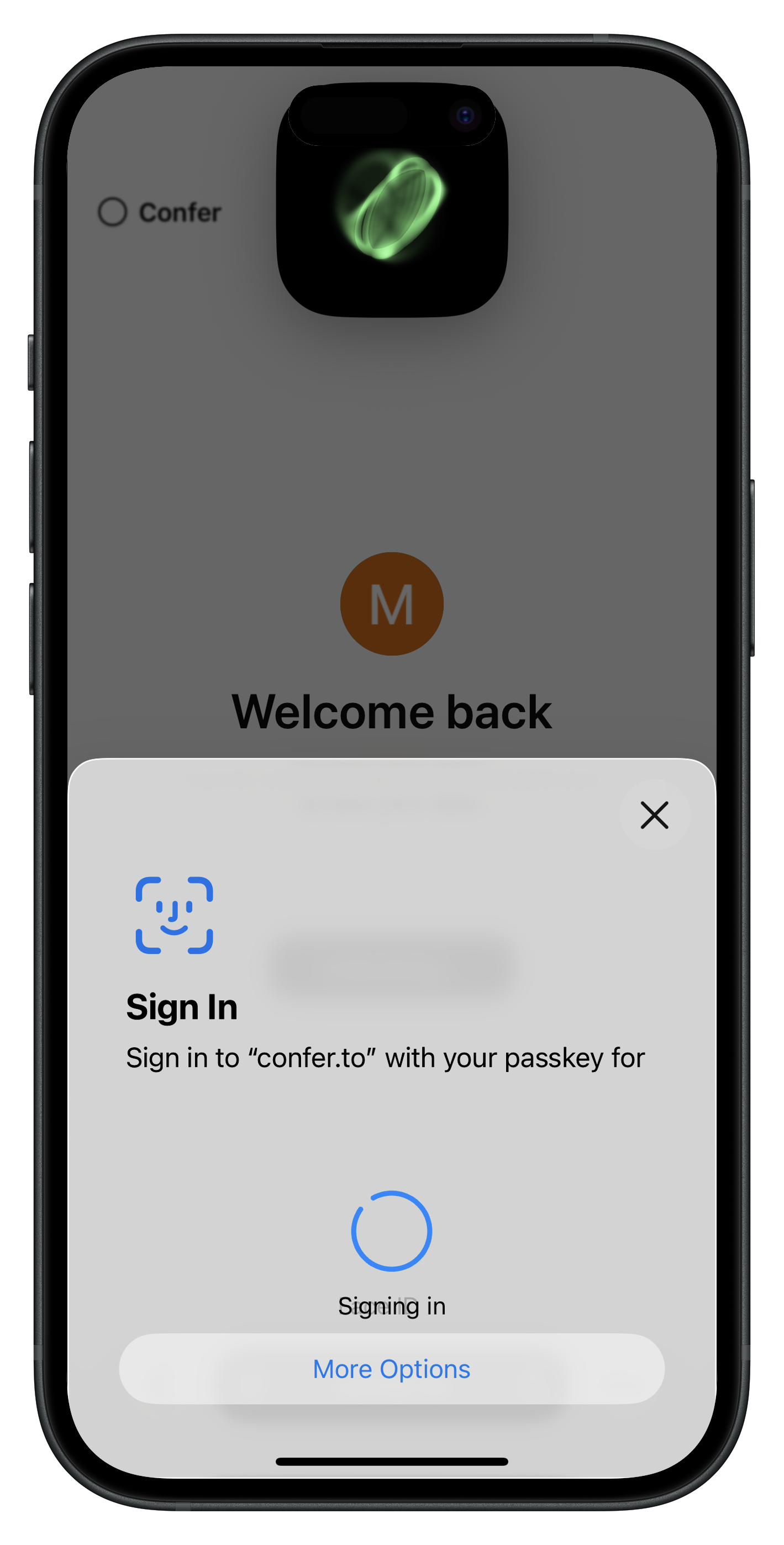 Image: Confer.to AI
Moxie trying to do for AI what he did for messaging: make it private by design. The important move is subtle. The passkey is not just proving identity. It is controlling access to encryption keys. The server cannot read user data, even if it wants to.
In practical terms, this replaces a lot of the awkward machinery behind encrypted systems. End-to-end messaging usually requires long-lived identity keys, recovery phrases, or some form of server-assisted key escrow. Encrypted SaaS products often rely on password-derived keys or server-stored wrapped keys for recovery. Using passkeys and the WebAuthn PRF shifts that root of trust into hardware-backed credentials that already exist on user devices, reducing both system complexity and the number of high-value secrets stored on servers.
That relocation of trust is what should matter to enterprises.
If employee devices already contain hardware-backed keys capable of deriving stable secrets, signing structured data, participating in key agreement, and attesting to hardware properties, those keys can gate access to encrypted documents, internal AI systems, sensitive knowledge bases, and collaboration tools without standing up traditional enterprise PKI for every use case.
Passkeys are not just a cleaner login flow. They are a client-side cryptographic foundation that now ships, by default, on every endpoint your organization owns.